HR Tech

I led the design of a data validation platform for a Workday partner, transforming complex migration errors into structured, actionable workflows that help enterprise teams diagnose and resolve issues before system sync.
Product
Desktop
Skills
Product Design
Interactive Prototyping
Design Systems
Figma Local Variables
My Role
Lead Designer
Year
2026

Problem
Turning system errors into actionable clarity
Enterprise teams migrating data into Workday often encounter long, cryptic validation errors that provide little guidance on what failed or how to fix it. Instead of supporting users, the system forces them into manual investigation, trial-and-error corrections, and repeated validation cycles. The real challenge wasn’t the data itself — it was the lack of clarity. Teams needed a structured way to understand issues, prioritize fixes, and confidently prepare datasets for successful migration.
Research
Understanding the Problem Space
Original Observations
Before designing the validation experience, I analyzed existing system outputs, reviewed error logs, and worked closely with stakeholders to understand how migration failures occurred. The primary insight was that errors weren’t difficult because of data complexity alone — they were difficult because they lacked context. Users were forced to interpret technical validation messages manually, making even small issues time-consuming to diagnose and fix.
Key observations included
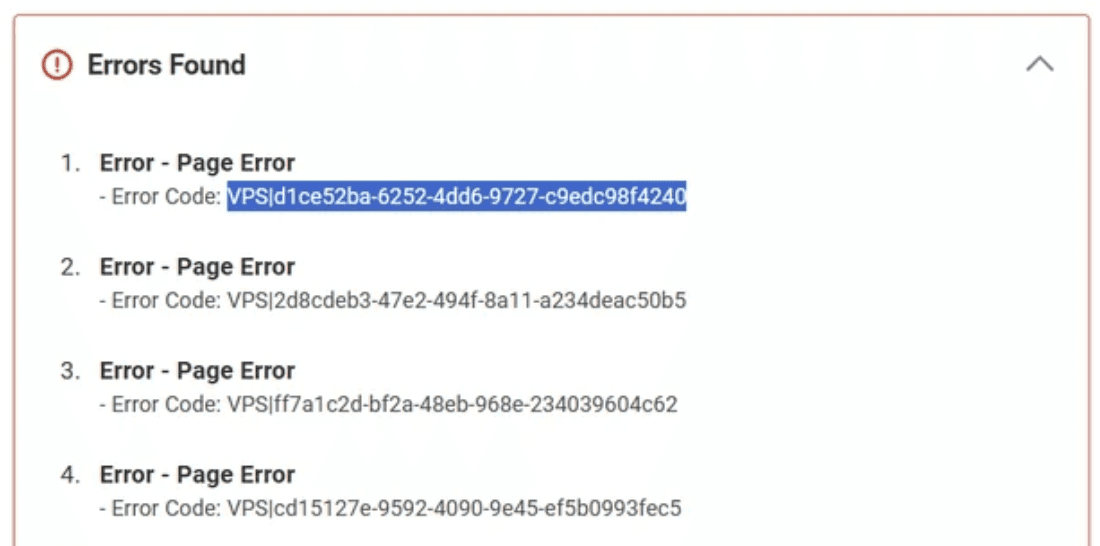
Errors were displayed as raw system codes rather than actionable explanations
Messages lacked context about what failed or how to resolve it
All errors appeared identical, preventing prioritization
The interface assumed technical interpretation rather than guiding users
Resolving issues required leaving the platform to investigate manually
Solution
Designing for resolution
Analysis of the existing system showed that the primary barrier wasn’t the data itself, but the way errors were communicated. Instead of surfacing technical messages, the experience was redesigned to translate validation output into structured, human-readable workflows that help users understand issues, prioritize fixes, and resolve them efficiently within a single interface.
Key improvements included
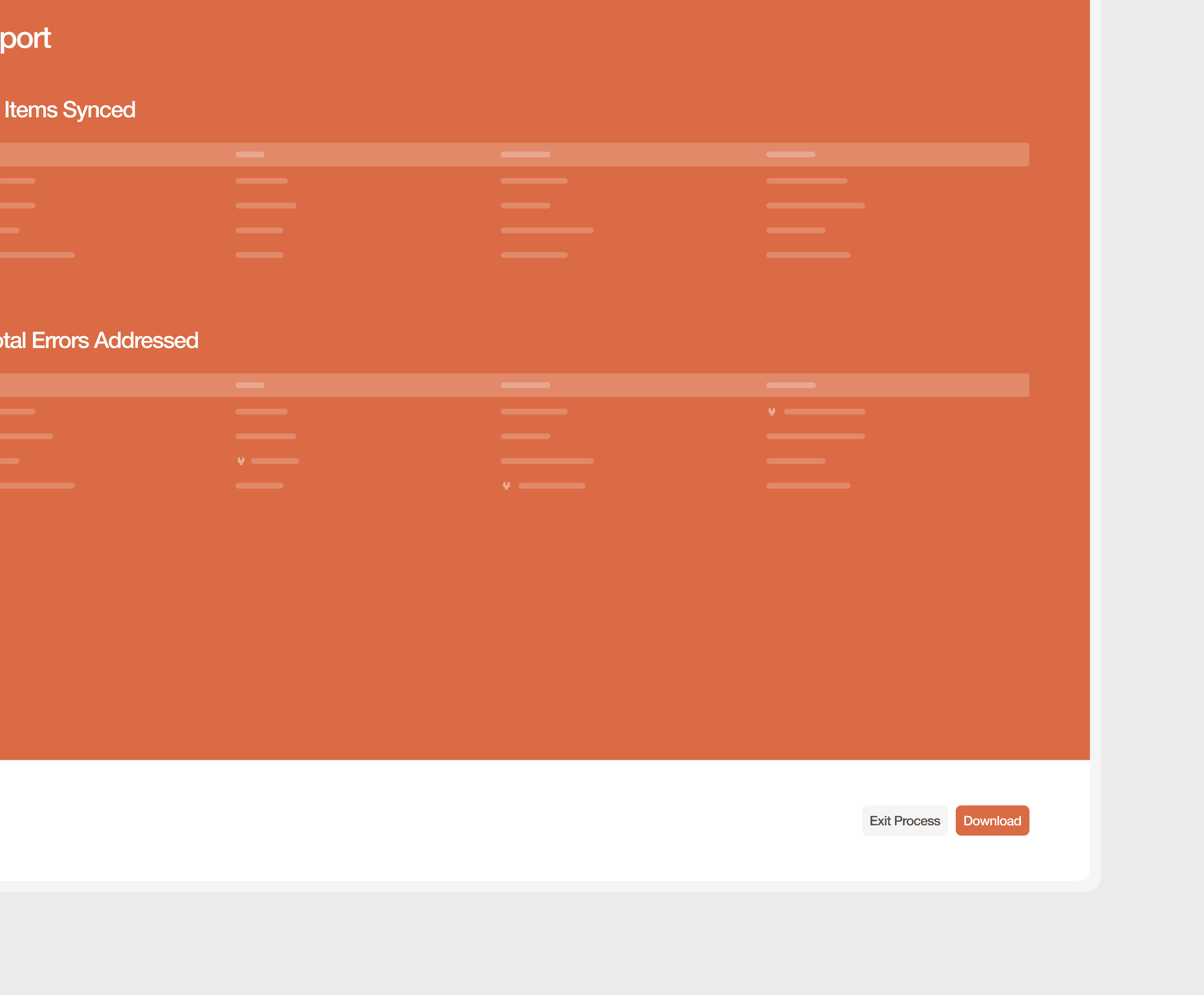
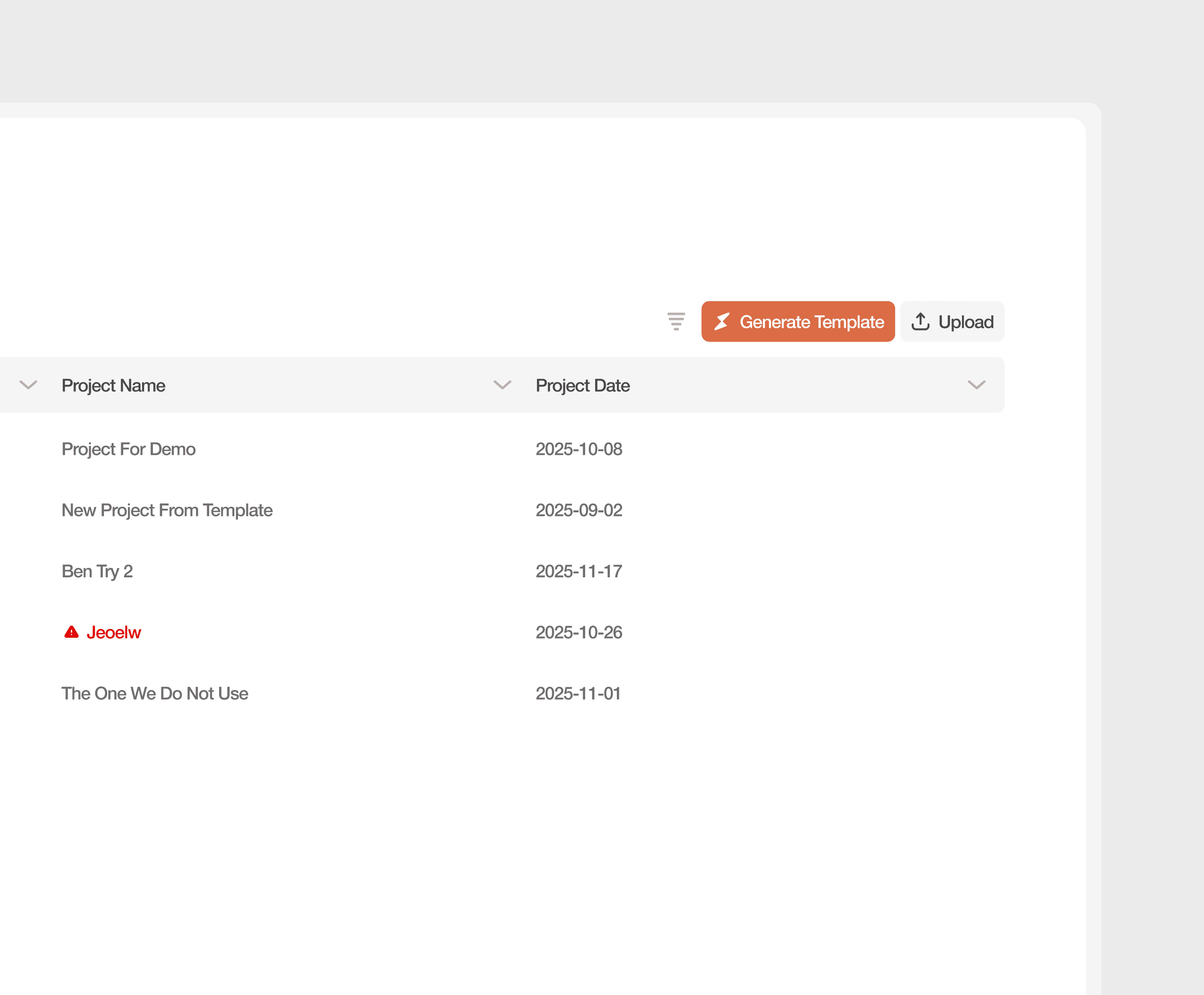
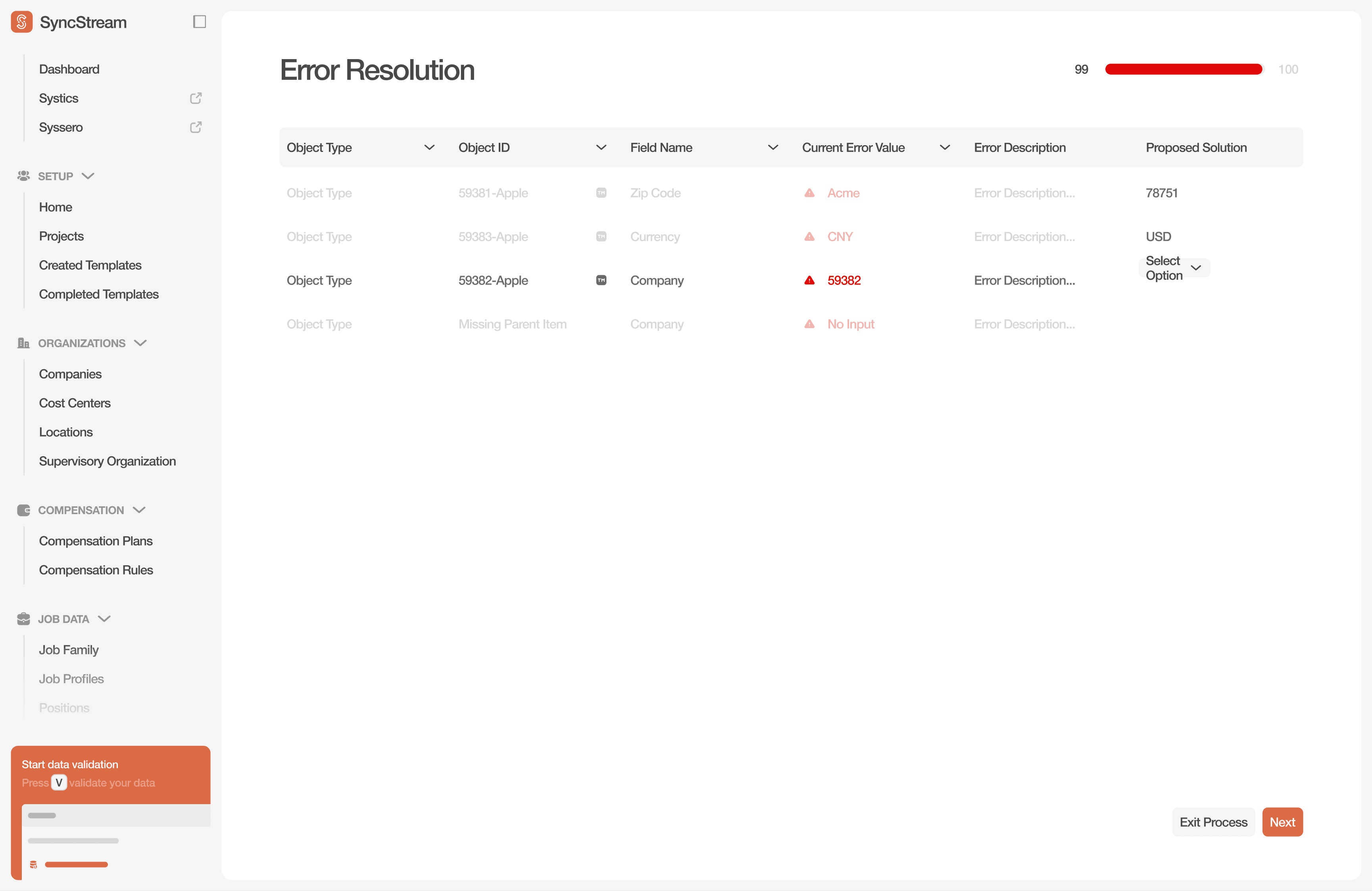
Structured validation tables that surface affected fields, values, and context in one view
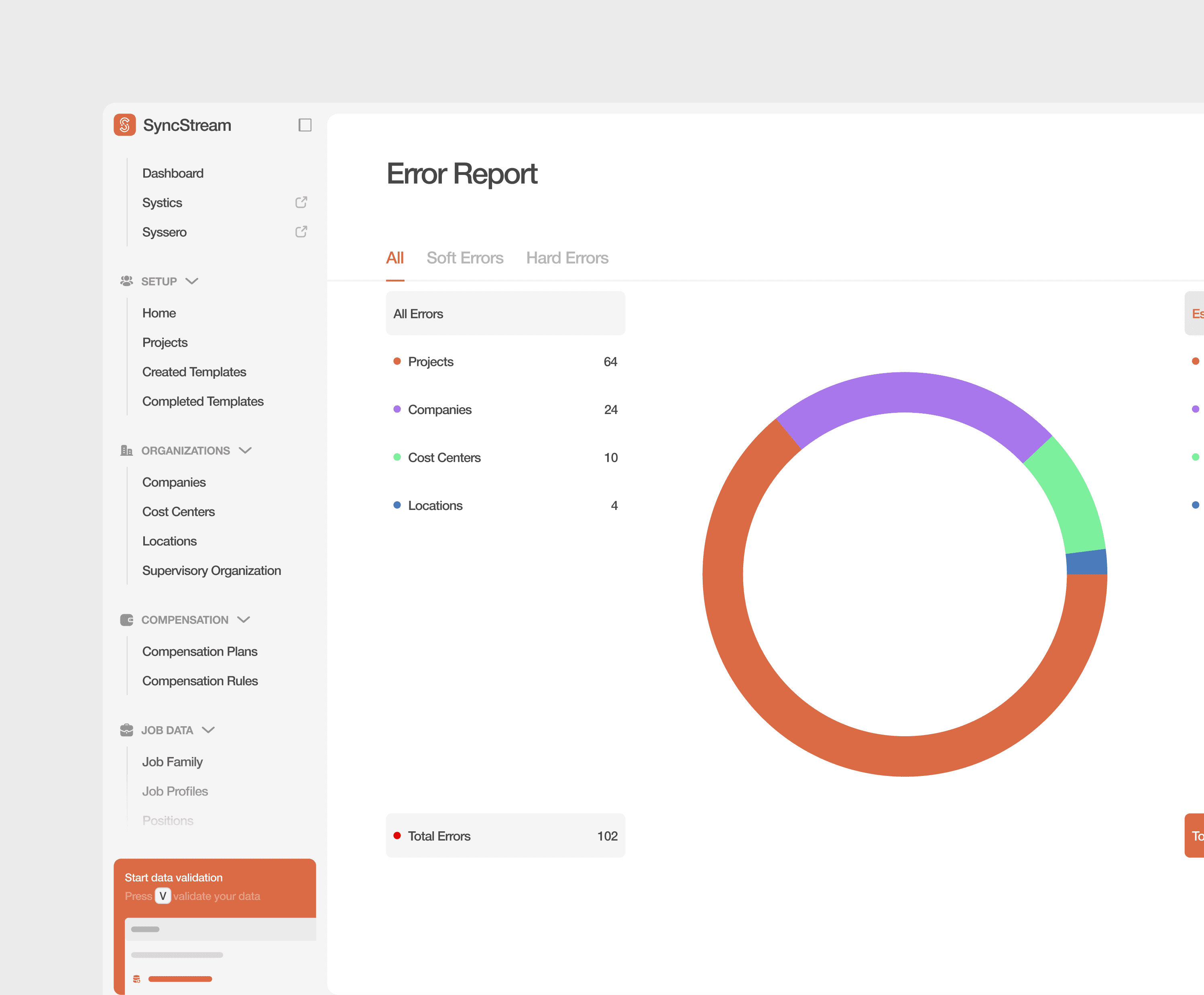
Severity indicators that distinguish blocking issues from minor warnings
Real-time progress feedback that shows completion momentum during resolution
Inline correction inputs that allow users to resolve errors without leaving the workflow
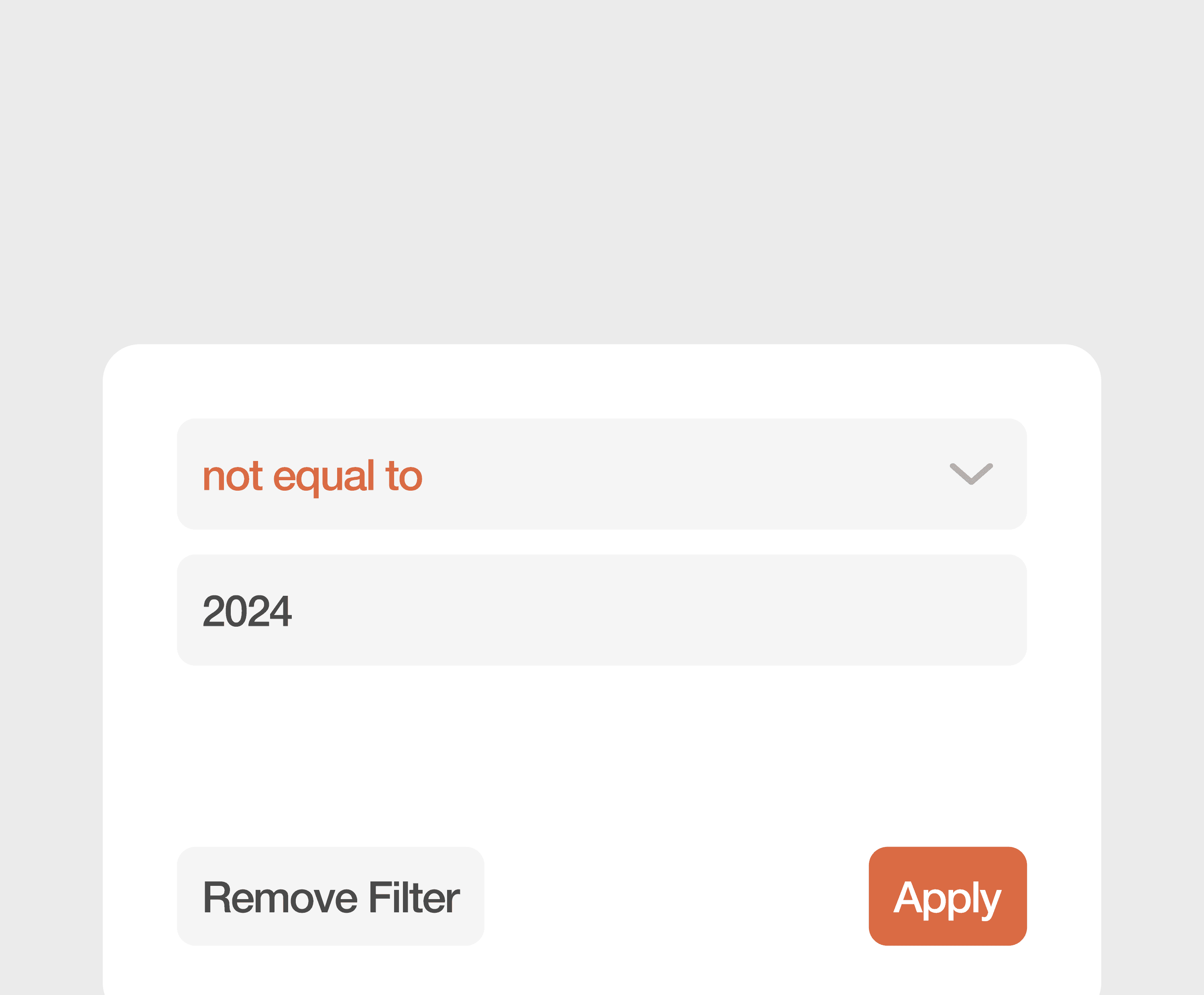
Proposed solution fields that guide users toward valid inputs
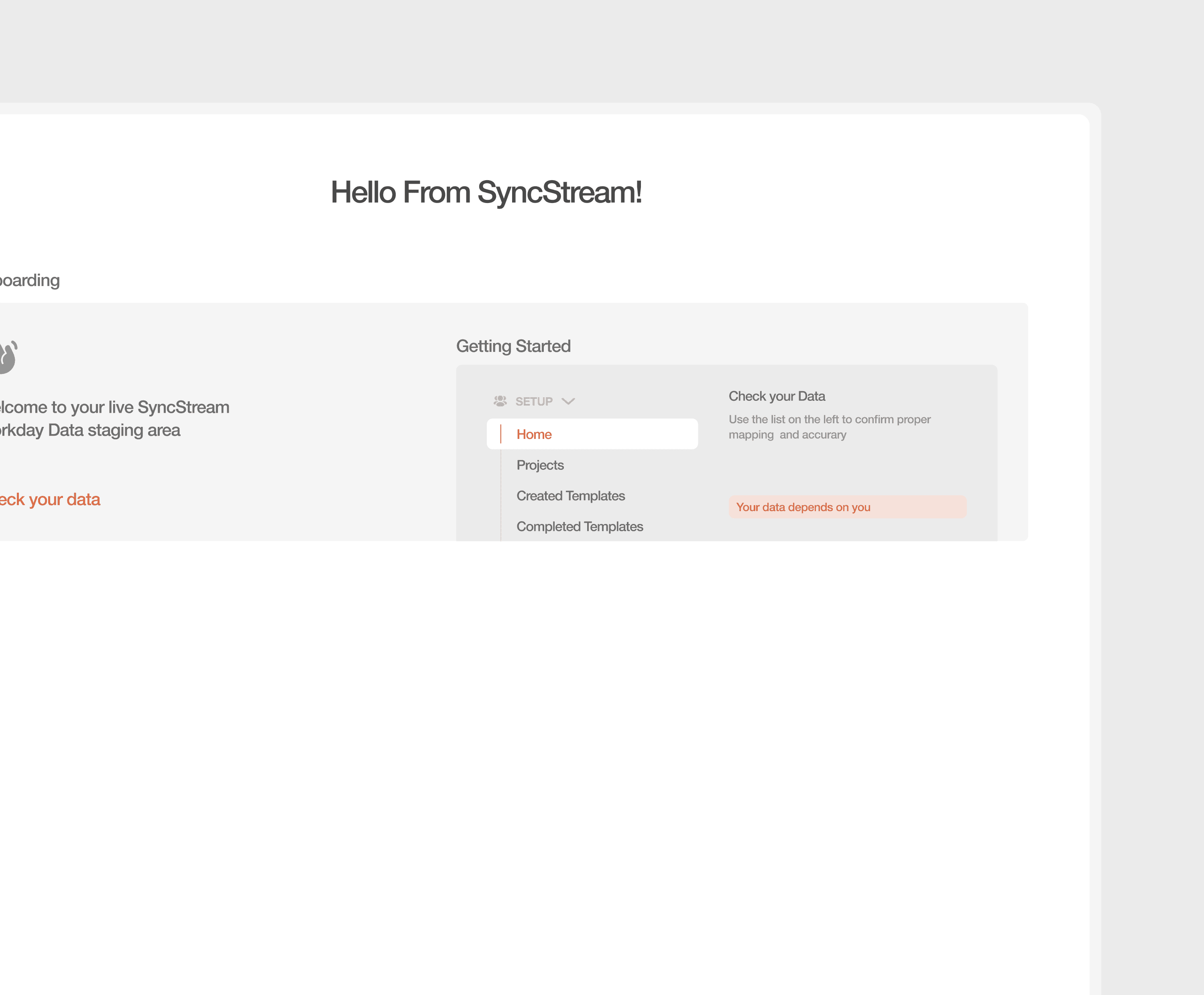
Clear system states that keep users informed during validation and sync processes
Takeways
Clarity drives resolution
Designing enterprise validation tools isn’t just about displaying errors — it’s about enabling action. By structuring system feedback, providing context at every step, and guiding users through resolution, the experience shifts from confusing to controllable. The result is faster troubleshooting, fewer stalled workflows, and a platform that supports teams in completing complex data migrations with confidence.
By turning opaque system output into understandable workflows, the experience didn’t just become easier to use — it became easier to trust. And when users understand the problem, they can solve it.